Make Play Money With Your Face
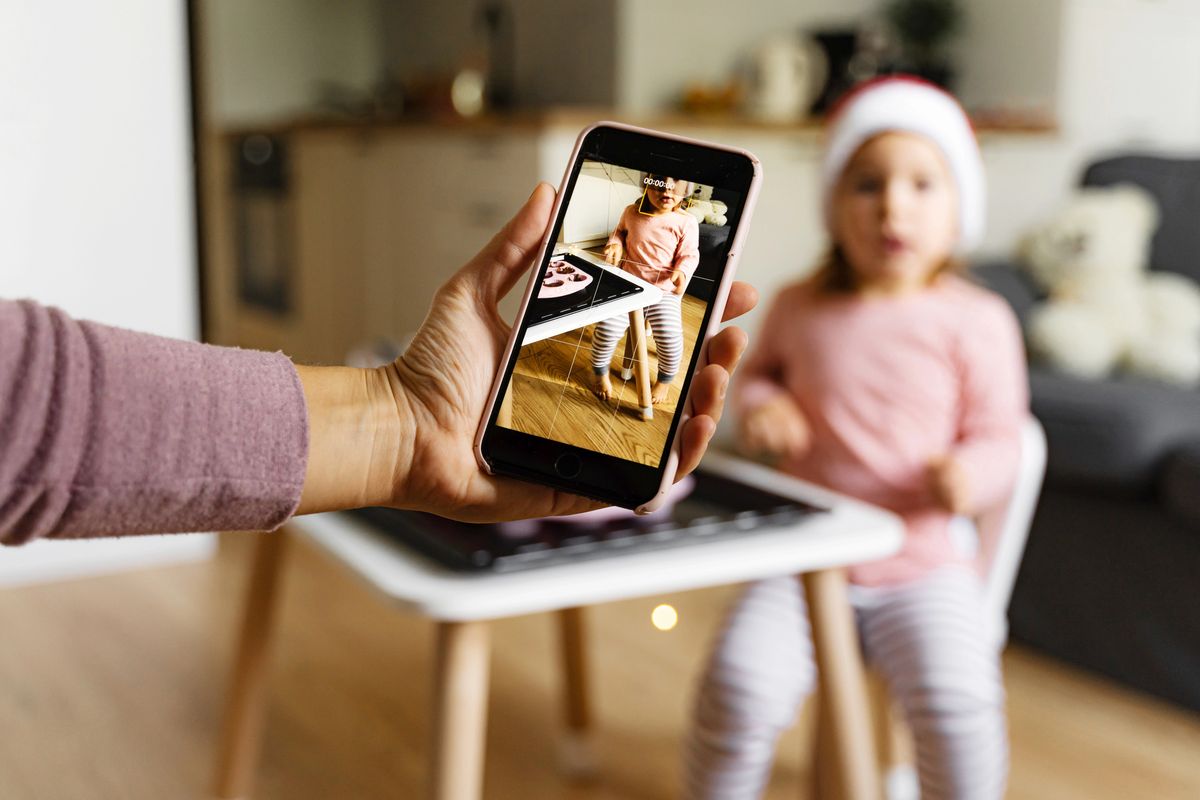
Nothing gets a child's attention like seeing their own face on a dollar bill. A familiar photo turns ordinary play money into something kids want to hold, count, and save. Add any photo below, type a bank name, and print a sheet of six bills in a couple of minutes.
Private by design. The photo is placed on the bill inside your own browser. It is never uploaded, saved, or seen by us.
Make your bills
Prints six bills, each about 5.2 x 2.2 inches, on a landscape letter page. Print at Actual Size (100%), one-sided.
Taking a photo that prints well
The face sits in an oval about the size of a large coin, so a little planning goes a long way. A phone camera is all you need.
- Face the light. Stand your subject facing a window. Soft daylight beats a flash, which flattens features and causes red eyes.
- Keep the background plain. A wall or a sheet works better than a busy room, because the oval only shows a small area around the face.
- Get close, then crop closer. Fill most of the frame with head and shoulders. Use the zoom slider until the face fills about two thirds of the oval.
- Hold the camera at eye level. Shooting down on a child makes the forehead look large. Kneel down so the lens is level with their eyes.
- Try a few expressions. A proud grin, a silly face, a serious "bank president" look. Kids love choosing which one goes on which value.
Old printed photos work too. Lay the print flat near a window and take a straight-on photo of it with your phone, then use that picture.
Whose face goes on the money?
The person on the bill becomes part of the game, so pick faces that match how you will use the money.
- Your child. The classic choice. Children treat bills with their own face as something special and tend to take better care of them.
- Brothers and sisters. Give each child a value. The youngest on the $1, the oldest on the $20. It makes counting practice personal: "How many of Maya's bills make one of Leo's?"
- Grandparents. A "Bank of Grandma" set makes a sweet gift, especially when the bills can be traded for a cookie date or a trip to the park.
- The family pet. Dogs and cats look surprisingly official in an oval frame.
- A drawing. Scan or photograph your child's self portrait. It is a lovely keepsake and avoids photo worries if you plan to share the bills.
- The teacher. Teachers often put their own photo on classroom money. It makes the bills easy to recognize and harder to copy at home.
Build a complete set
For counting games and pretend stores, kids need several values. A good starter set is ten $1 bills, ten $5 bills, five $10 bills, and five $20 bills. Change the value and color for each one so they can tell bills apart at a glance, and keep the same face or switch faces by value. Print a sheet for each value: each sheet gives you six bills.
| Value | Suggested color | Sheets to print | Bills you get |
|---|---|---|---|
| $1 | Green | 2 | 12 |
| $5 | Blue | 2 | 12 |
| $10 | Purple | 1 | 6 |
| $20 | Orange | 1 | 6 |
Printing tips for photo bills
- Print at Actual Size (100%) so all six bills fit and line up for cutting.
- Plain paper is fine for everyday play. Light cardstock (65 lb) feels sturdier and survives many trips through little hands.
- Low on color ink? Choose the black and white photo option and the ink saver color. The bills still look great.
- Cut along the outer edge with scissors or a paper trimmer. A trimmer is faster if you are making a big classroom set.
Keep it clearly play money
Every bill made here says "Play Money" and "Not Legal Tender," prints on one side only, and uses a bright, friendly design that looks nothing like real currency. Keep those markings visible, and do not print the bills on both sides or on paper meant to imitate real money.
Frequently asked questions
Can I put two faces on one bill?
The creator has one photo spot. To show two people, take one photo with both faces close together, then zoom so both fit in the oval.
Is it safe to use my child's photo?
Yes. The photo is processed only in your browser. It is not uploaded or stored by us, and it is gone when you close the page.
Why does the face look blurry when printed?
The photo was probably small or zoomed in a lot. Start with a larger, sharper photo and use less zoom.
Can I print on photo paper?
You can. Matte photo paper or cardstock looks best. Glossy paper can smudge when handled a lot.
Keep going
 Chore MoneySet up a chore bucks system with a price list by age.
 Classroom MoneyRun a classroom economy with jobs, a class store, and your own bills.
 Birthday Party MoneyParty store, games that pay, and how many bills to print.
Every bill made here is marked Play Money and Not Legal Tender. Print one side only.